The New Antigro UX – A Conversion Engine for Print Product Customization
Most people who decide to buy personalized products don’t do it just once, they tend to place several orders throughout the year. That’s why it’s important to make a strong first impression on the customer. If they’re satisfied with their first experience, there’s a high chance they’ll come back and order from the same place again, instead of looking for another store that offers personalized products. A seamless, enjoyable user experience plays a key role in building that first positive impression, and that’s exactly where the new Antigro UX makes a real difference. It simplifies the entire design process, removes unnecessary steps, and gives users the tools they need without overwhelming them. Thanks to that, placing the first order feels easy and natural, which makes customers more likely to come back the next time they’re looking to personalize a product.
Key UX Factors That Influence Customer Satisfaction When Ordering Personalized Products
A smooth and intuitive user experience is crucial when it comes to ordering personalized products. Customers often need to go through several steps to customize an item, choosing colors, sizes, adding text, or uploading images. If this process is confusing or time-consuming, users may abandon their purchase altogether. A clear, guided interface with visual feedback (such as live previews) helps customers feel confident about their choices and reduces the chances of frustration.
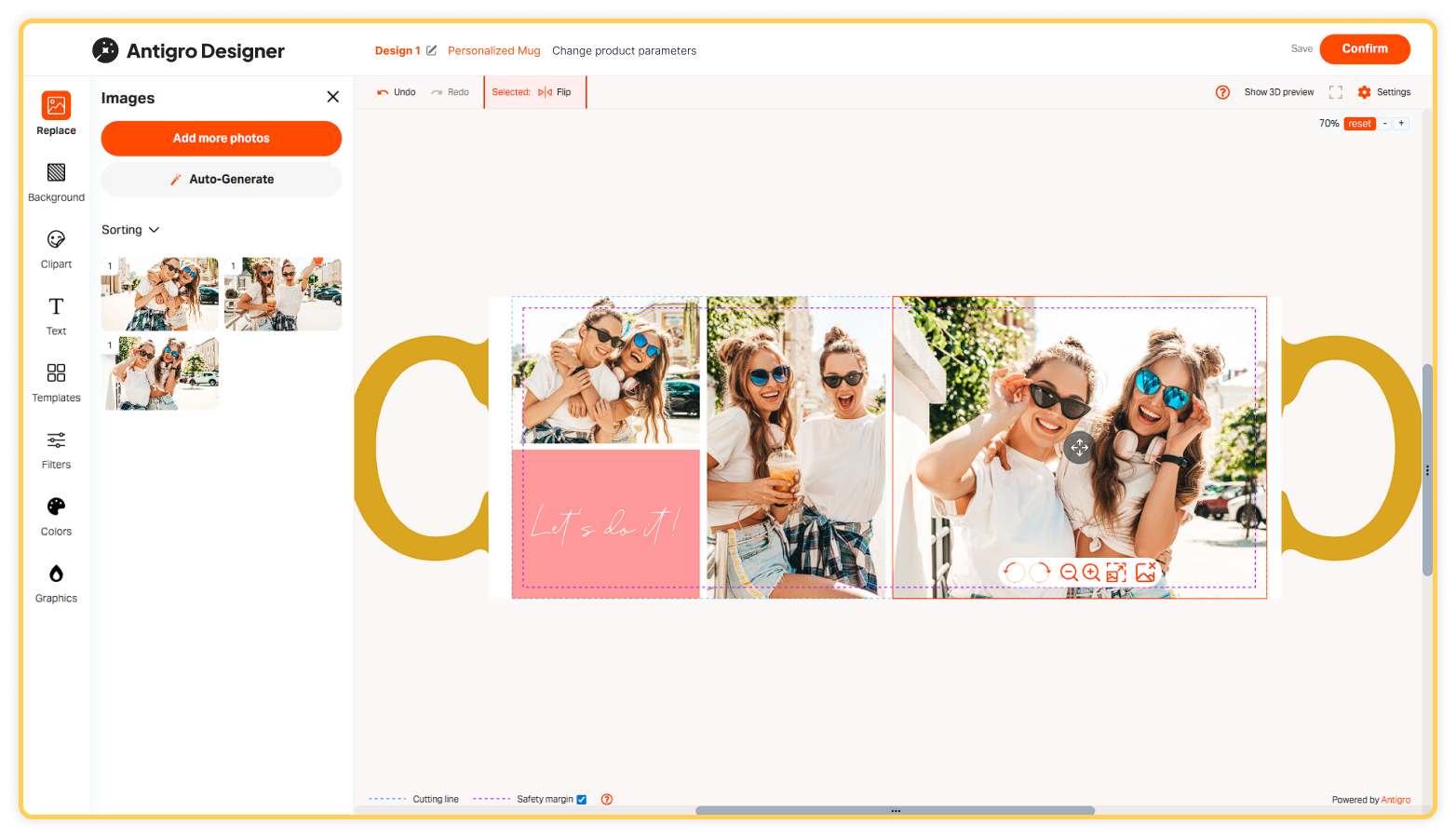
Customer satisfaction in personalized product shopping is primarily influenced by two key factors: the ordering and design experience, and the quality and turnaround time of the final product. The first aspect can be significantly improved with the Antigro Designer Print Customizer, which offers a user experience tailored to the specific needs of people ordering personalized items. The tool provides a clean, modern interface with wider tabs and enhanced navigation.
The most commonly ordered personalized products are photo books, calendars, and mugs. Each of these products involves different design needs and workflows, so it’s important to adapt the interface accordingly. In Antigro Designer, merchants can adjust the order of feature tabs for each product, ensuring that the most relevant options are displayed first. For example, customers designing a calendar may focus more on date and event personalization, while photo book buyers prioritize layout and image placement. By customizing the feature layout based on the product type, you make the design process more intuitive and efficient, leading to a better user experience and higher conversion rates in your store.
Another important factor is how easy and comfortable it is for users to work with their photos. Many personalized products involve photo uploads, and Antigro Designer makes this process highly efficient. Photos are uploaded on a separate screen with a visible progress bar, and the auto-fill feature for templates with multiple photo slots significantly speeds up project creation. According to research, a clear majority – up to 80% of Antigro Designer users – prefer the system to automatically suggest the best possible photo layout when working on multi-page projects with a large number of images. This feature drastically reduces the time needed to complete a project while still giving users the freedom to fine-tune the design later according to their preferences, rather than building everything from scratch.
Customers who prefer to arrange everything from scratch can also work this way and manually insert and organize photos using advanced sorting options that make the manual process more efficient. They can avoid duplicates, sort images by upload time or date taken, and preview enlarged versions of each photo before placing them. These features help ensure that customers can create exactly the design they have in mind, without unnecessary frustration, making the entire experience more satisfying and enjoyable.
Satisfaction often comes from the sense of creative control and visual feedback. Antigro Designer offers precise object alignment, drag-and-drop positioning, and real-time editing tools like cropping, rotating, and resizing graphics. Users can also adjust layers, apply photo filters, personalize calendars, and even select specific colors using a color picker or a HEX code. In multi-page projects, such as photo books, Antigro preserves uploaded photos across different layouts and provides intuitive page management tools. All these features make the creation process simpler and faster, so customers don’t waste time on unnecessary steps. At the same time, they help ensure the final product looks just the way the customer imagined, which naturally leads to greater satisfaction, more repeat orders, and long-term loyalty.
Preview of the Final Personalized Product
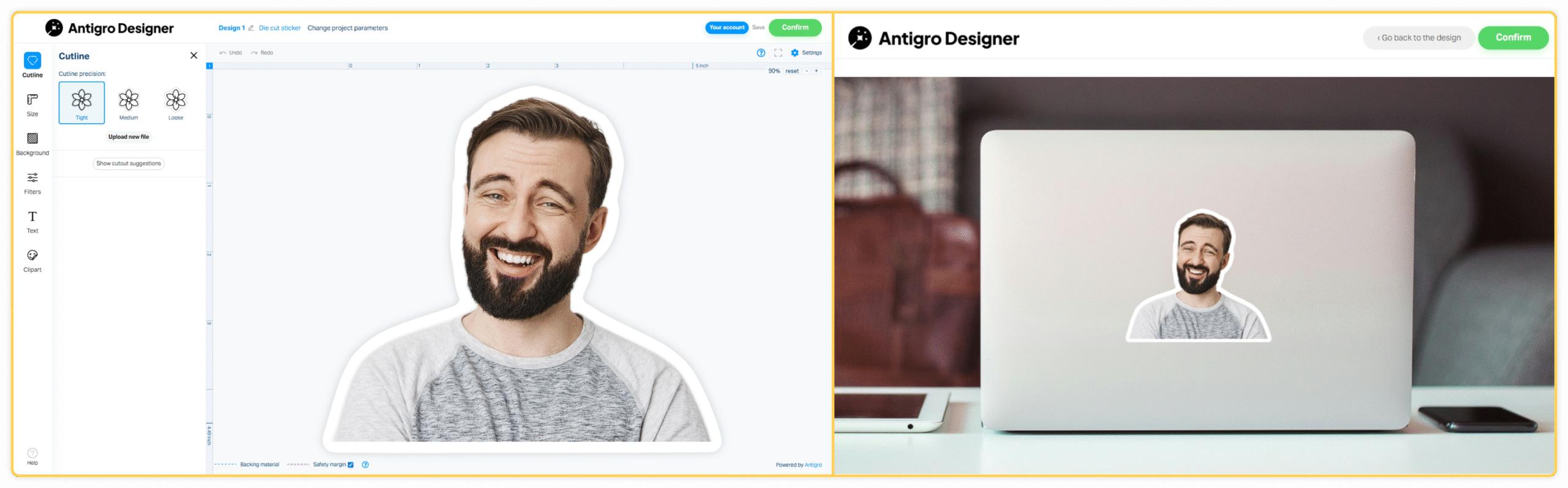
Research conducted on customers ordering personalized products shows that for the vast majority – up to 87% of those using a personalization tool – the ability to preview the final product is crucial. That’s why in the Antigro Designer tool, the visualization of the final product appearance is automatically displayed right from the very beginning of the project and updates instantly with every modification introduced by the customer.
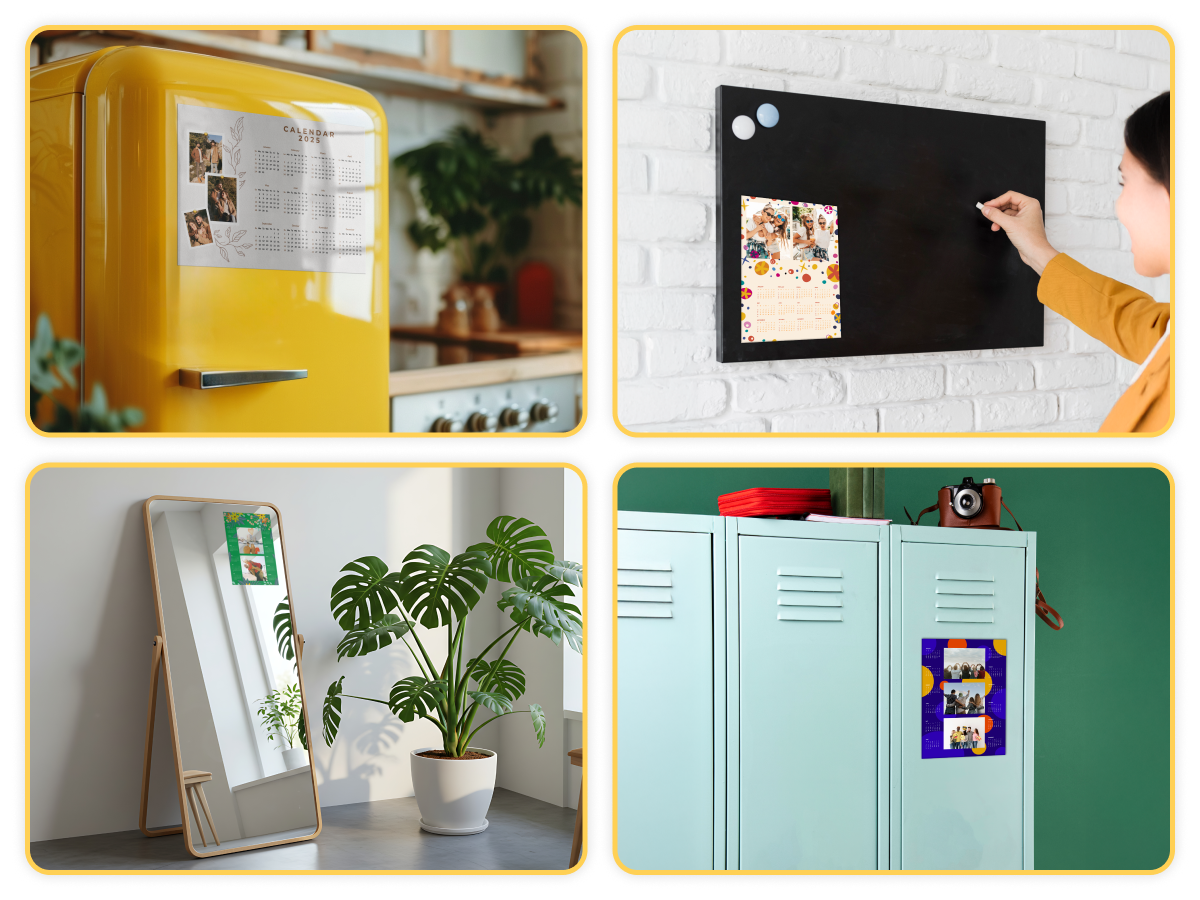
Additionally, after placing an order, it is possible to show the customer a preview of the purchased product, for example, a sticker applied to a laptop. This serves as a pleasant extra touch, giving customers a clear idea of how their ordered product can be used in real life.
Request a demo to transform your printing business
Join the printing revolution trusted by hundreds of companies worldwide.