Mobile-First That Wins – How the New Antigro UX Converts Thumb-First Shoppers
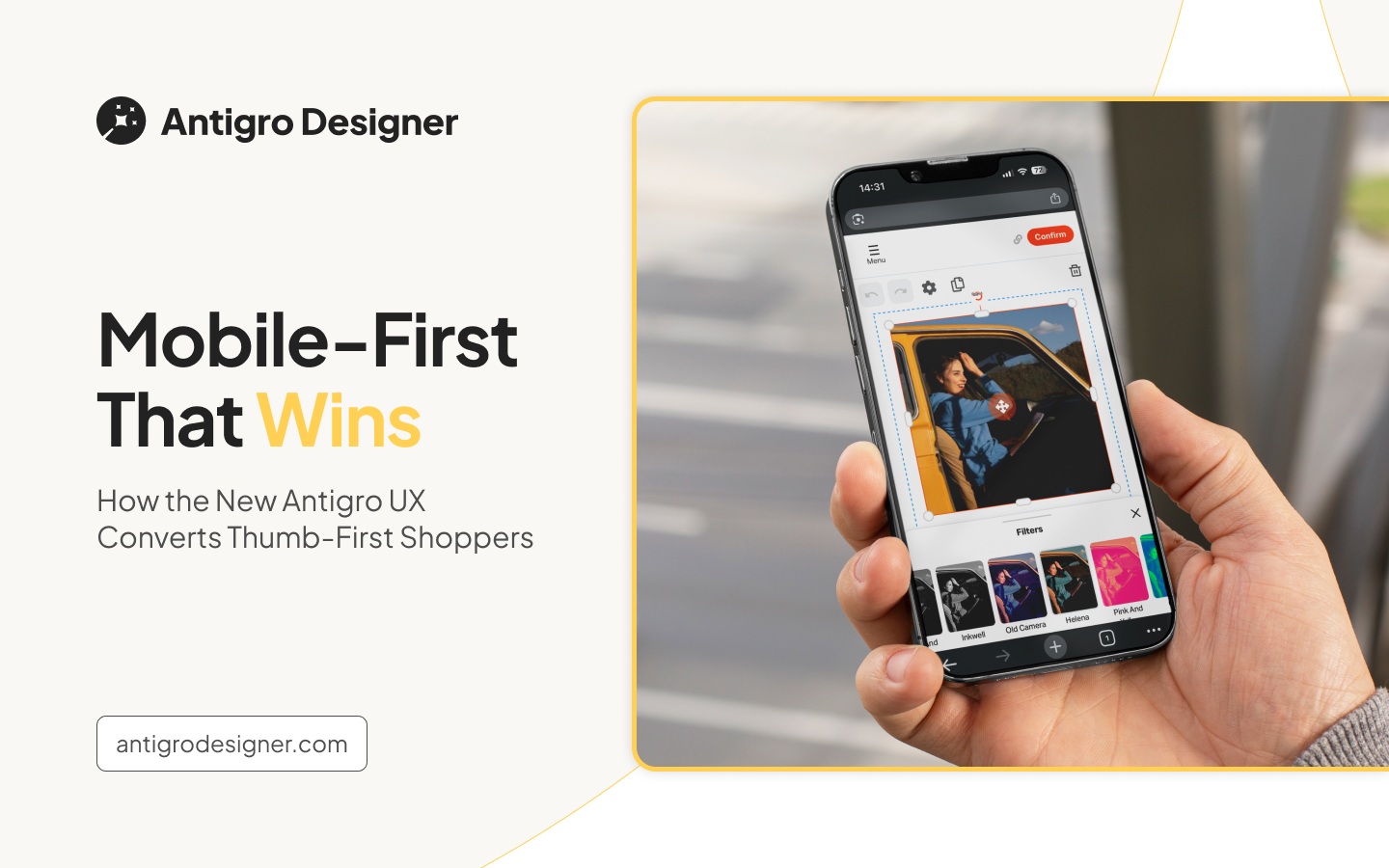
More and more customers are shopping on their smartphones, and for many, the entire journey, from browsing to purchasing, happens on a small screen. In fact, “thumb-first shoppers” are now the norm. This shift makes mobile user experience one of the most important factors influencing whether a customer completes a purchase or abandons the cart.
Why Mobile UX Has Become a Key Factor in E-Commerce and Personalization
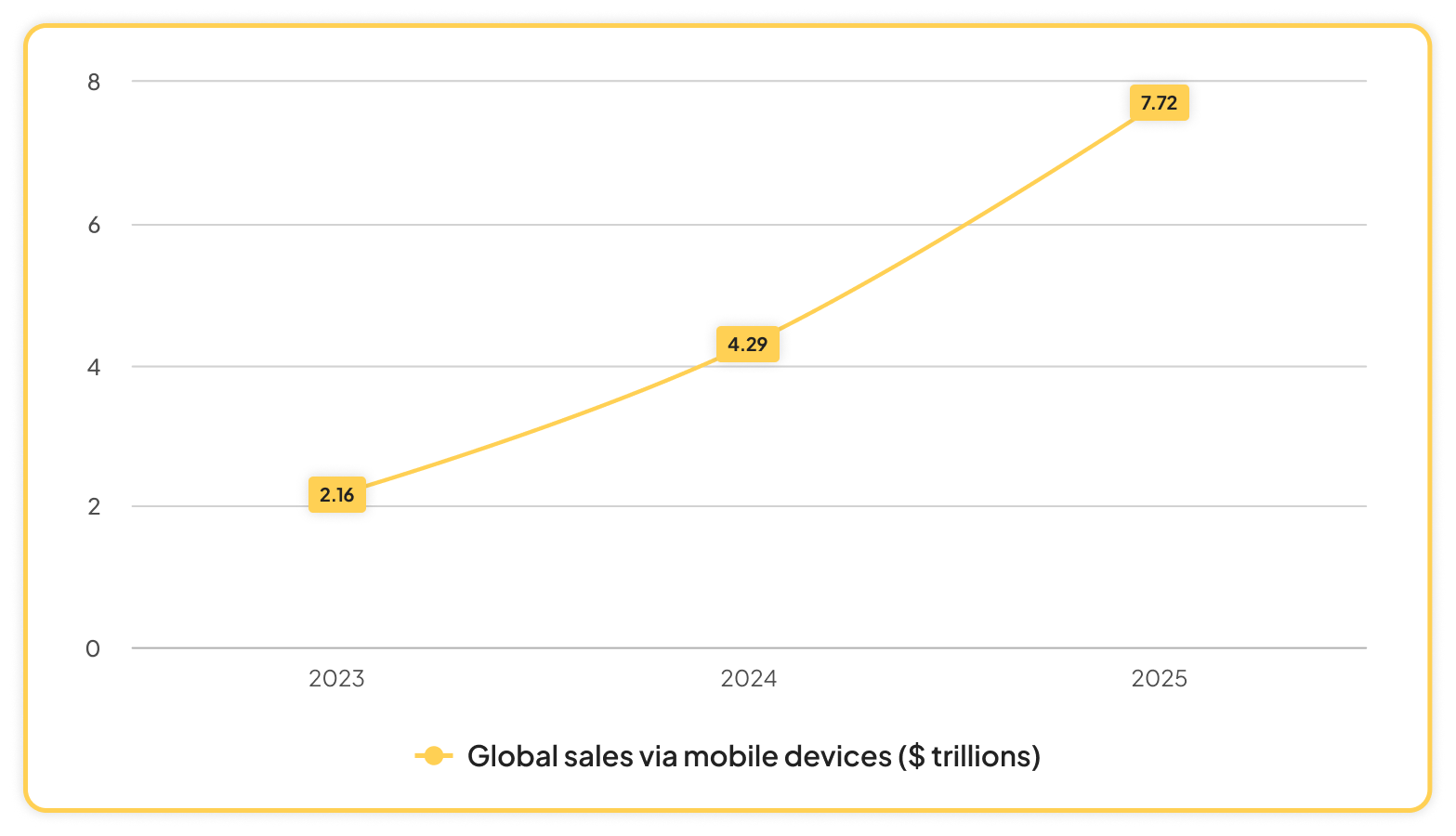
According to Statista data, the global value of sales via mobile devices reached $2.16 trillion in 2023. Meanwhile, eMarketer estimates that in 2024, the value of this segment exceeds $4.29 trillion, accounting for as much as 66.4% of total e-commerce sales. eMarketer’s projections for 2025 suggest continued, dynamic growth – the global value of online sales could reach $7.72 trillion.
This massive global growth highlights that online commerce conducted via mobile devices, such as smartphones and tablets, represents the future of e-commerce. Consumer studies indicate that using mobile is more convenient and faster than browsing traditional websites. With well-designed UX, customers reach the checkout more quickly and are less likely to get lost during the final steps of the transaction.
The same applies to the sale of personalized products. Offering such options to your audience today requires remembering that mobile-first is now considered a standard, not an extra feature. A poorly optimized interface for small screens often leads to cart abandonment. A product customization tool, in order to fulfill its purpose of boosting customer engagement, improving satisfaction, and streamlining the process of designing and ordering personalized items, must be fully adapted for both mobile and desktop versions.

How Antigro UX Supports Mobile Shopping
- Simple and clear interface – wide tabs, readable icons, and easy navigation.
- Mobile photo editor – a bottom toolbar that can be expanded or collapsed so it doesn’t cover the project.
- Live preview – every change is visible instantly, without reloading the screen.
- Color picker, with the option to enter a HEX code for more advanced users.
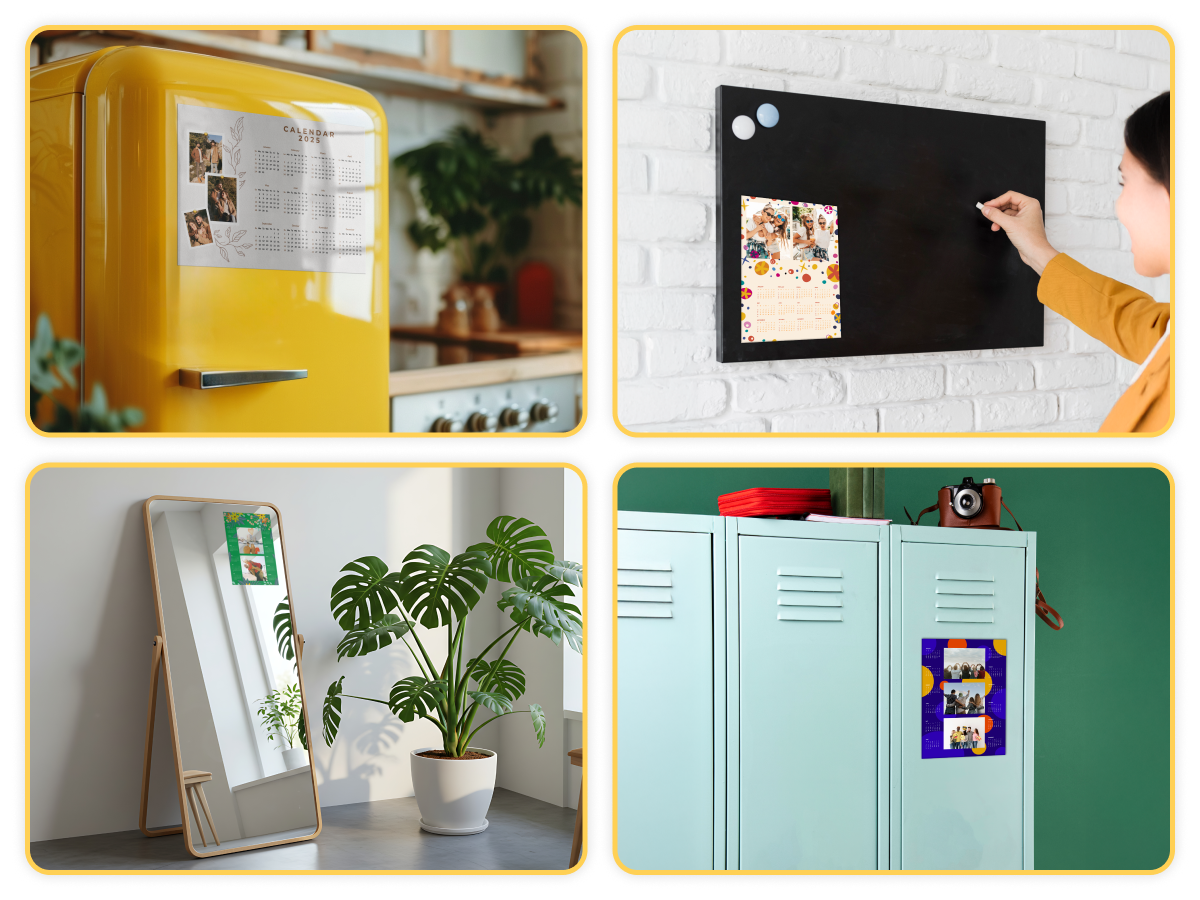
- Calendar personalization – optimized for convenient creation.
- Photo auto-fill – a huge time-saver for smartphone users. They can select photos directly from their device, have them automatically placed into the project, and make adjustments as needed.
- Photo filters – filter functionality optimized for mobile devices, allowing customers to easily browse and choose the one that best fits their vision.
Why Good Mobile UX Boosts Conversion
A well-designed mobile UX minimizes user frustration by simplifying the design process and reducing the number of steps needed to reach the goal.
Fewer clicks and a shorter project creation time make the tool intuitive and enjoyable to use. From the very first minutes, the customer can see the final result of their actions, which builds confidence, increases engagement, and lowers the risk of abandoning the process.
This kind of positive user experience translates into higher satisfaction and, in the long term, stronger brand loyalty and a greater likelihood of repeat purchases.
Request a demo to transform your printing business
Join the printing revolution trusted by hundreds of companies worldwide.